
Wan 3.0 AI Video Generator
Wan 3.0 turns ideas and rich references into complete 30-second videos with synchronized sound. Direct characters, products, dialogue, atmosphere, and story beats in one coherent creation.
Result
Wan 3.0 can take several minutes to render.
Next Step:
Wan 3.0: Direct a Complete 30-Second Story
Wan 3.0 gives every scene more room to develop, with stable subjects, clear story beats, and sound created alongside the picture.
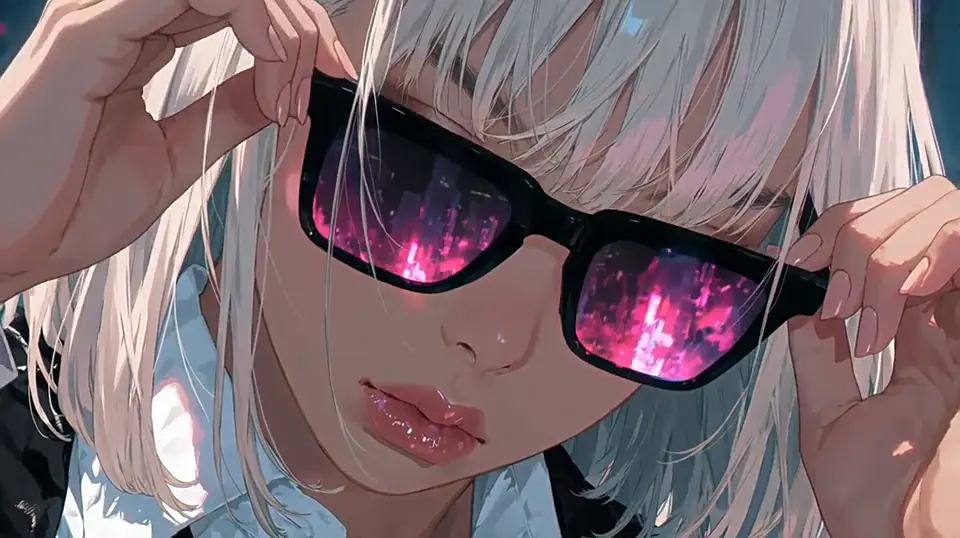
Tell a Full Story in One Generation
Wan 3.0 can build a video up to 30 seconds long, twice the maximum length of Wan 2.7. Describe the opening, turning point, and ending in one prompt, and the scene has enough time for actions, dialogue, and visual reveals to unfold without stitching several short clips together.
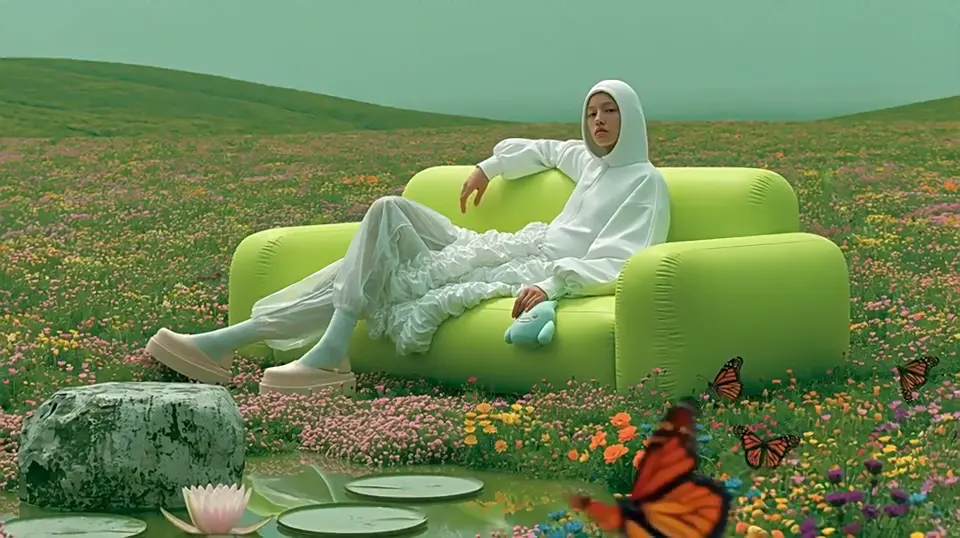
Build From Almost Any Creative Reference
Start Wan 3.0 with a written idea, opening image, reference clip, voice sample, presentation, document, or web page. Mix references to define a character, location, product, or speaking voice, then explain what must stay unchanged as the story moves from one beat to the next.
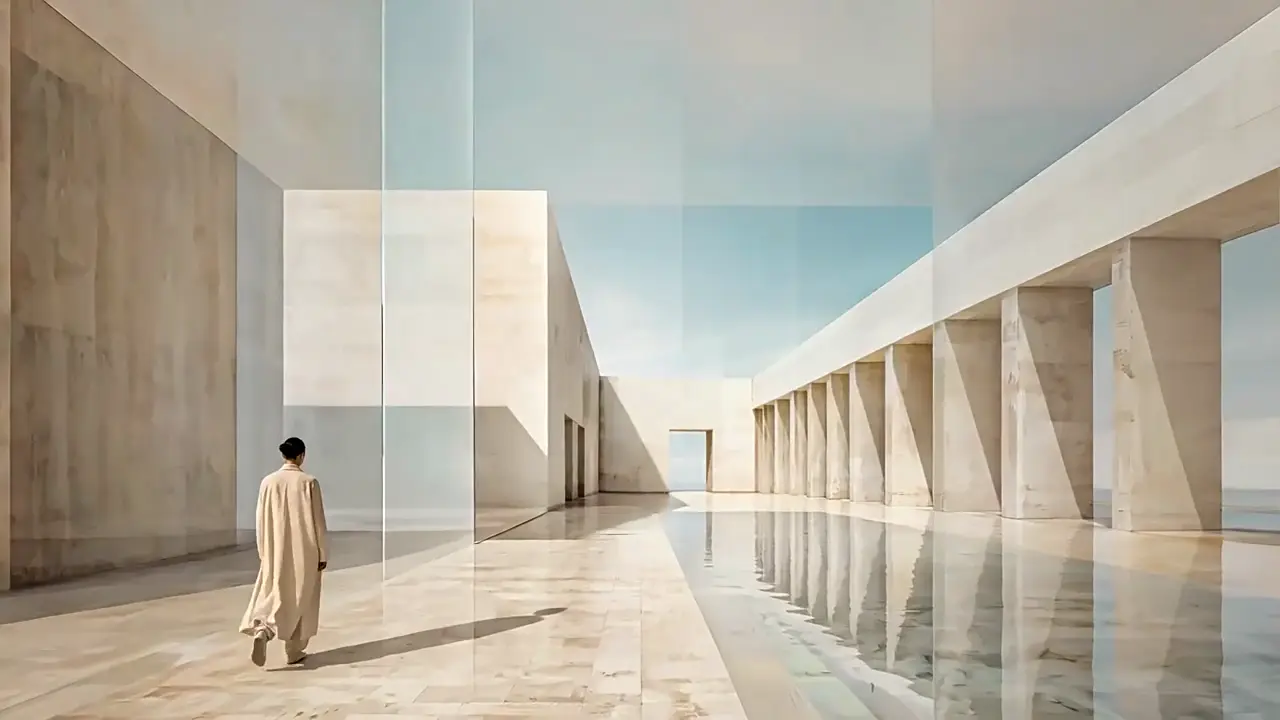
Create Picture and Sound Together
Wan 3.0 generates speech, ambience, music, and visible action as one scene. A character can deliver a line while footsteps, weather, and room tone match the setting, reducing the separate recording and timing work that other video makers often leave for the end.
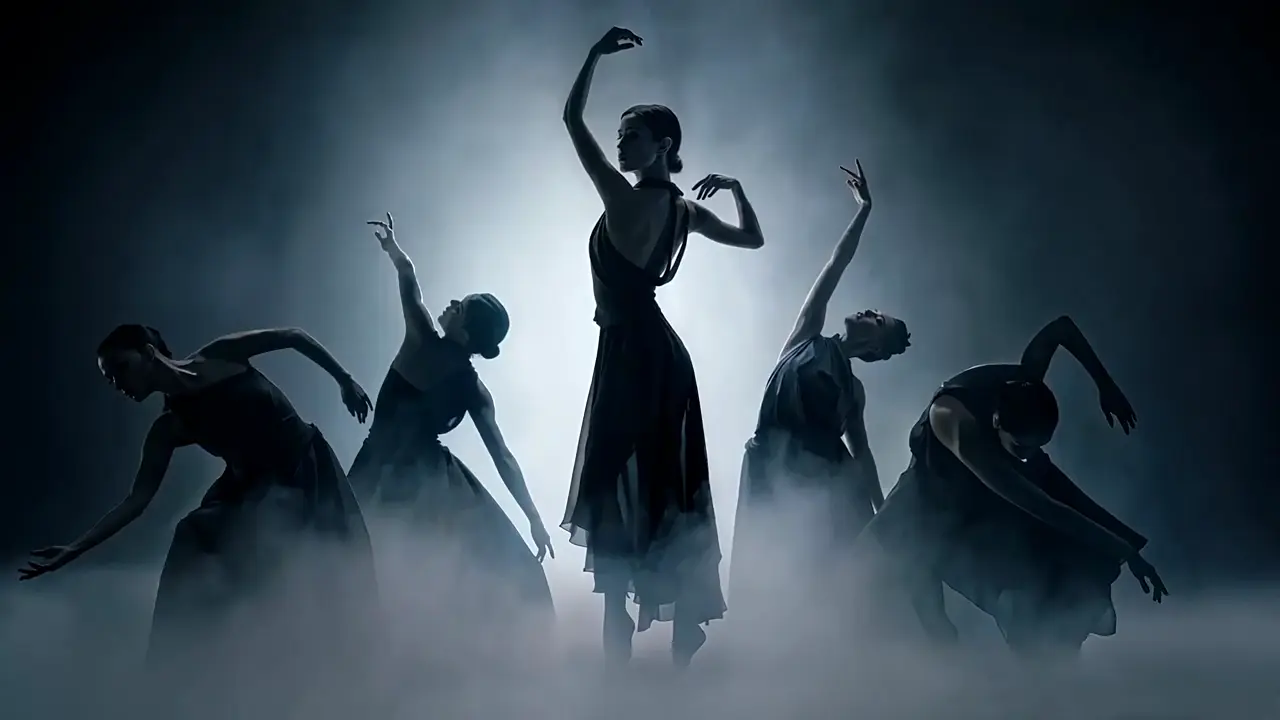
Keep Faces, Products, and Layouts Steady
Wan 3.0 follows small details from your references so a face, outfit, product shape, room layout, and voice remain recognizable through motion. This stronger continuity helps a product demonstration or character scene feel like one production instead of unrelated shots that happen to share a prompt.
From References to a Finished Scene
Plan the subject, story beats, and sound before you generate, then inspect one variable at a time.
Choose a Starting Mode
Use Text-to-Video for a scene written from scratch, Image-to-Video to animate a first frame, or Reference-to-Video when identity, products, locations, or voices must match supplied material. For Wan 3.0 image to video, add a last image when the final composition matters.
Set Length, Shape, and Quality
Choose a duration from 2 to 30 seconds, select 480p, 720p, or 1080p, and use 16:9, 4:3, 1:1, 3:4, or 9:16 framing. In the prompt, separate the subject's action, scene movement, sound cues, and ending so the model has a clear timeline to follow.
Generate, Check, and Download
Create the first MP4, then check faces, product details, spoken lines, transitions, and the final beat. If one part needs work, keep the same references and change only that instruction. The model responds best when each revision solves one visible issue instead of rewriting the whole scene.
Why Wan 3.0 Changes Video Planning
Longer scenes and richer references make the Wan 3 AI video generator useful for work that normally needs several separate tools.
⏱️ Twice the Story Time of Wan 2.7
Earlier Wan clips stop at 15 seconds. Wan 3.0 reaches 30 seconds in one creation, giving dialogue, demonstrations, and reveals room to breathe while keeping the same people and setting across the full sequence.
🧩 More Than Text and Image Inputs
Most generators begin with a prompt or one picture. Wan3.0 video can also draw direction from clips, voices, presentations, documents, and web pages, so an existing brief can become a visual story without being rewritten from zero.
🎯 Stronger Loyalty to Reference Details
Controlled comparisons found Wan 3.0 better than Wan 2.7 at holding faces, clothing, subjects, and physical movement. That makes it a safer choice when matching the supplied image matters more than inventing a radically different scene.
🛍️ Product Stories With a Stable Hero Object
Turn packaging, a product photo, and a campaign brief into a 20- or 30-second presentation. The model can preserve the object's shape and placement while the environment, lighting, actions, and narration change around it.
📚 Documents Become Watchable Explanations
A presentation or report can guide the subject, structure, and key facts of a video. Compared with copying every point into a short prompt, Wan 3.0 keeps more of the original material available while shaping it into a clear visual sequence.
🎭 Character Scenes With Voice Continuity
Give Wan 3.0 a character reference, a location, and a voice sample for dialogue-led scenes. It can carry recognizable appearance and vocal identity across several story beats, helping short dramas and recurring character concepts feel connected.
Wan 3.0 Questions and Answers
Practical answers about duration, inputs, output settings, prompting, and the differences from earlier Wan releases.
How is Wan 3.0 different from Wan 2.7?
The largest change is duration: Wan 3.0 can create up to 30 seconds in one generation, while Wan 2.7 reaches 15 seconds. It also accepts a wider mix of references, including documents and web pages, and improves continuity for faces, products, layouts, voices, and complex physical actions.
What duration, resolution, and aspect ratios are supported?
Choose a length from 2 to 30 seconds and output at 480p, 720p, or 1080p. Available framing includes 16:9, 4:3, 1:1, 3:4, and 9:16, plus an adaptive option that follows the supplied reference. The finished result is delivered as an MP4 video.
Which files can I use as references?
Wan 3.0 accepts common image formats, MP4 or MOV video, and WAV or MP3 audio. It can also read documents such as PDF, presentation, spreadsheet, word-processing, and text files, or use one public web page as source material for the scene.
How do I get better Wan 3.0 image to video results?
Begin with a sharp image and describe one clear action over time. Separate subject movement from scene movement, state what must remain unchanged, and name the intended ending. Add a final image when the last pose or composition must land precisely, then change only one instruction between attempts.
Does Wan 3.0 generate dialogue and background sound?
Yes. The Wan 3 AI video generator can create speech, music, ambient sound, and visible action together. For natural results, write the exact spoken line, identify who says it, describe the room or outdoor ambience, and keep the number of competing sound cues manageable.
What should I watch for in longer generations?
Long scenes can occasionally introduce an extra cut or soften details when many people move at once. Give Wan3.0 video a short beat-by-beat timeline, state when a continuous shot is important, and inspect the final result for identity, product shape, dialogue timing, and transitions before publishing.